Subdivide Is Now in ChatGPT

Design @ Tap Five
Sometimes you know exactly what you need to practice before you’ve even picked up your instrument. A 7/8 click grouped 2+2+3 at 140. A tempo ramp from 100 to 160 over 16 bars. A fivelet exercise you want to hear before you commit to it.
Now you can describe that to ChatGPT and get a working Subdivide metronome or track right in the conversation using the Subdivide ChatGPT app.
Say it, play it
Type what you’d practice in plain language. Subdivide generates an interactive click track inside ChatGPT — ready to start immediately.
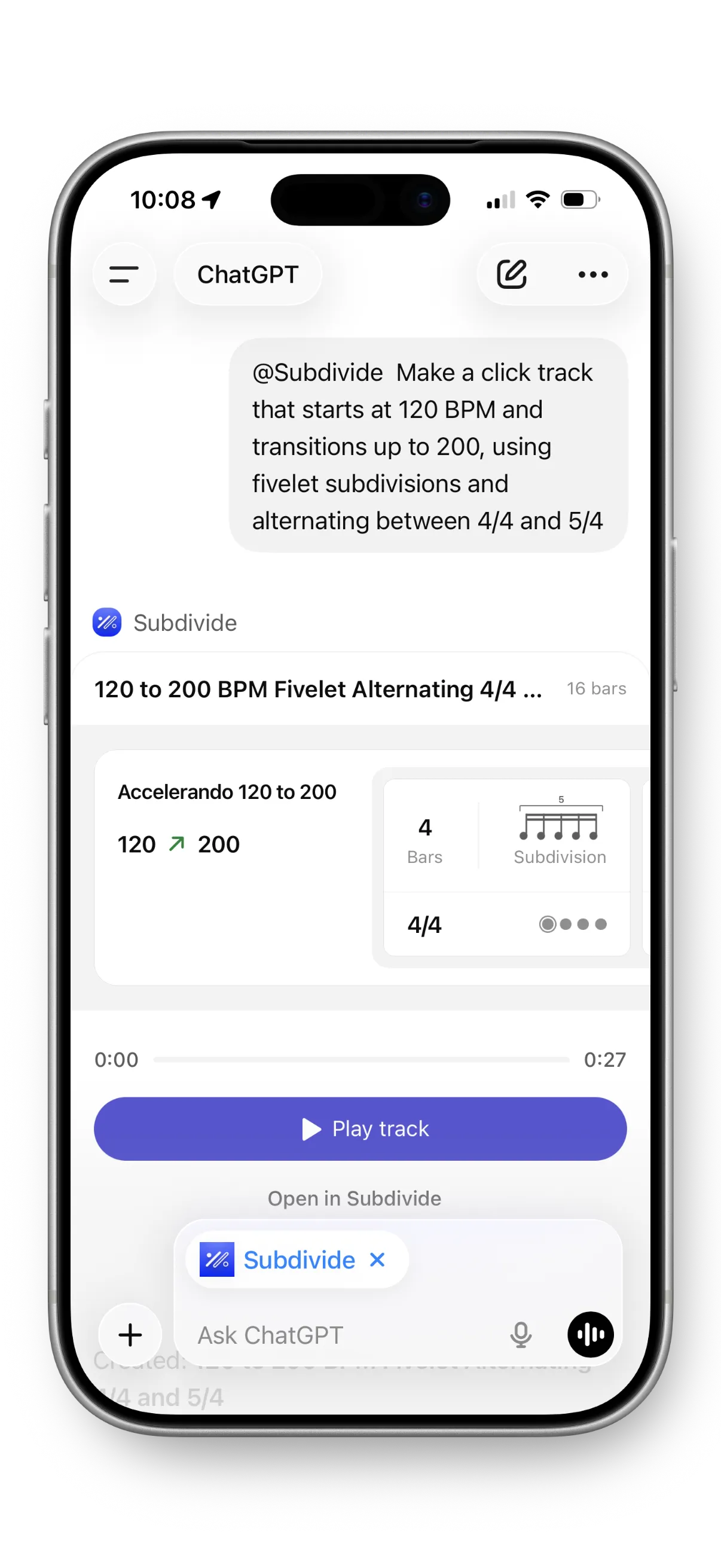
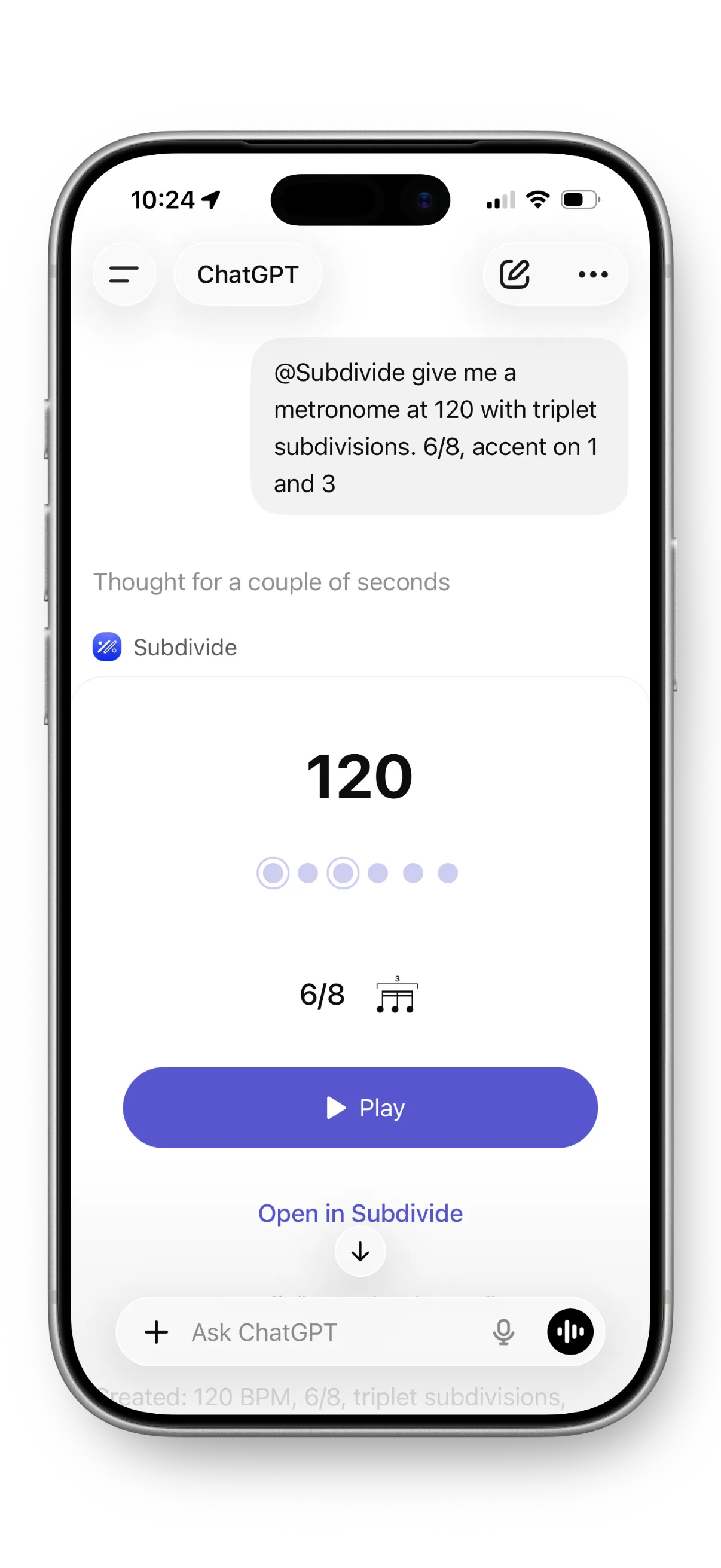
A few ideas to try:
120 BPM with eighth note subdivisions, accent on beat 1.
Fivelet timing exercise at 80 BPM.
7/8 click grouped 2+2+3.
Warmup ramp from 120 to 180 BPM over 16 bars.
Odd meters, subdivisions, tempo ramps — if you can describe it, Subdivide can build it. And because it’s a conversation, you can keep refining: “Make it slower,” “Add a count-off,” “Switch to triplets.”
Where it shines
The ChatGPT app is built for speed and exploration. It’s great for moments like:
- Teaching — Build a timing exercise for a student without pausing the lesson.
- Warmups — Describe what you need on the fly to warm up.
- Exploring — Curious what a quintuplet feel sounds like at 90 BPM? Ask and hear it in seconds.
- Rehearsal prep — Generate click tracks for tricky passages on the fly.
When you land on something worth keeping, open it in the Subdivide iOS app to save, edit, and share it with your ensemble.
Two tools, one workflow
The iOS app is where you have full control of track playback with start and stop points, count-offs, sharing, Siri Shortcuts, Action Button support — the whole rehearsal toolkit including a tuner and audio cues. The ChatGPT app gives you a new way in for the metronome and tracks: conversational, immediate, and perfect for the moments when an idea shows up and you want to hear it now.