Live Activities and Shortcuts

Design @ Tap Five
Live Activities
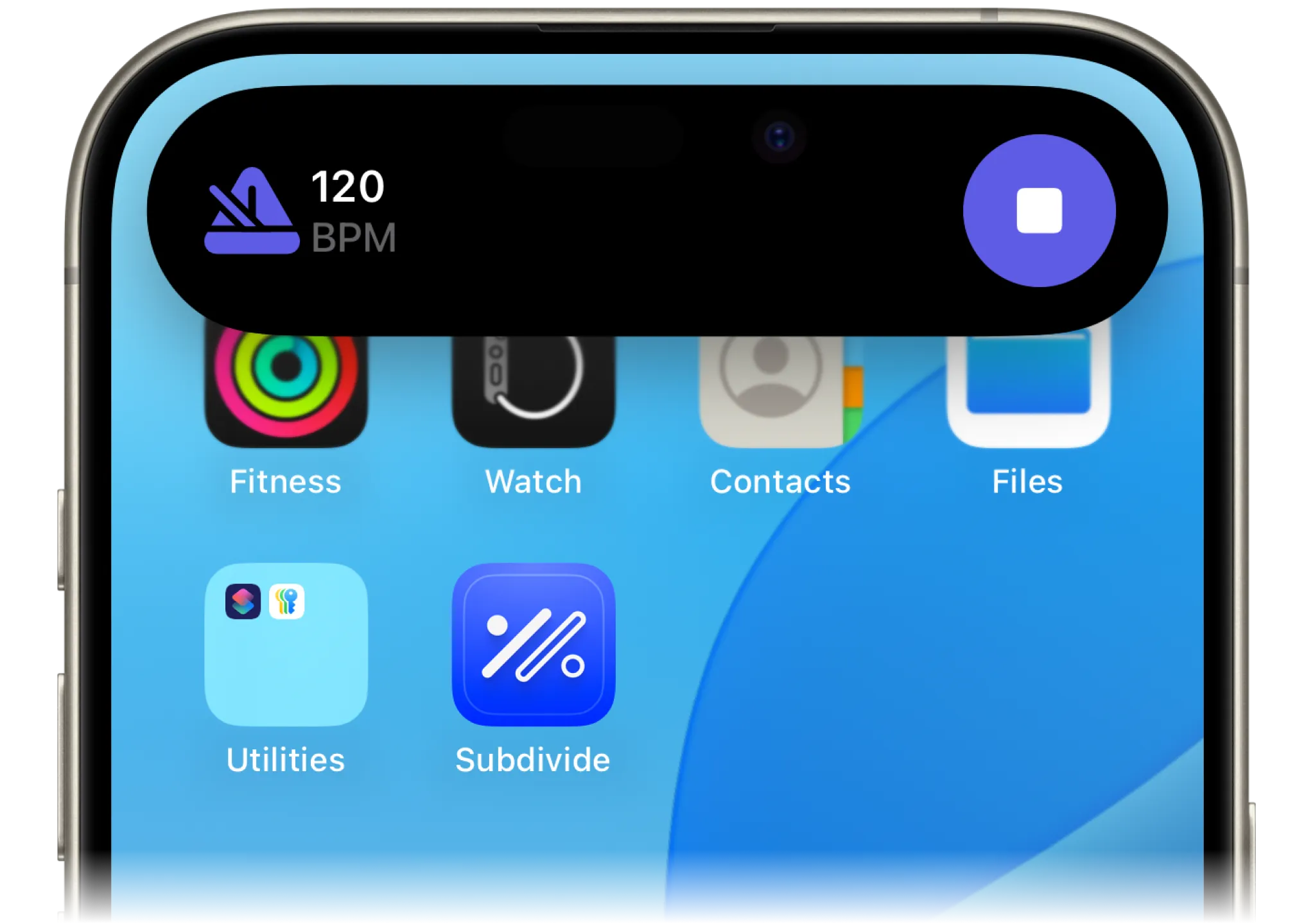
Stay in the zone with Live Activities. Whether you’re using the metronome or playing a track, you can now see real-time progress displayed on your Lock Screen or Dynamic Island. This means you can monitor your session at a glance—no need to unlock your phone or break your flow. Perfect for practice, rehearsals, or live performances.
Make sure Live Activities are enabled in your iPhone settings for the full experience!
Apple Shortcuts Integration
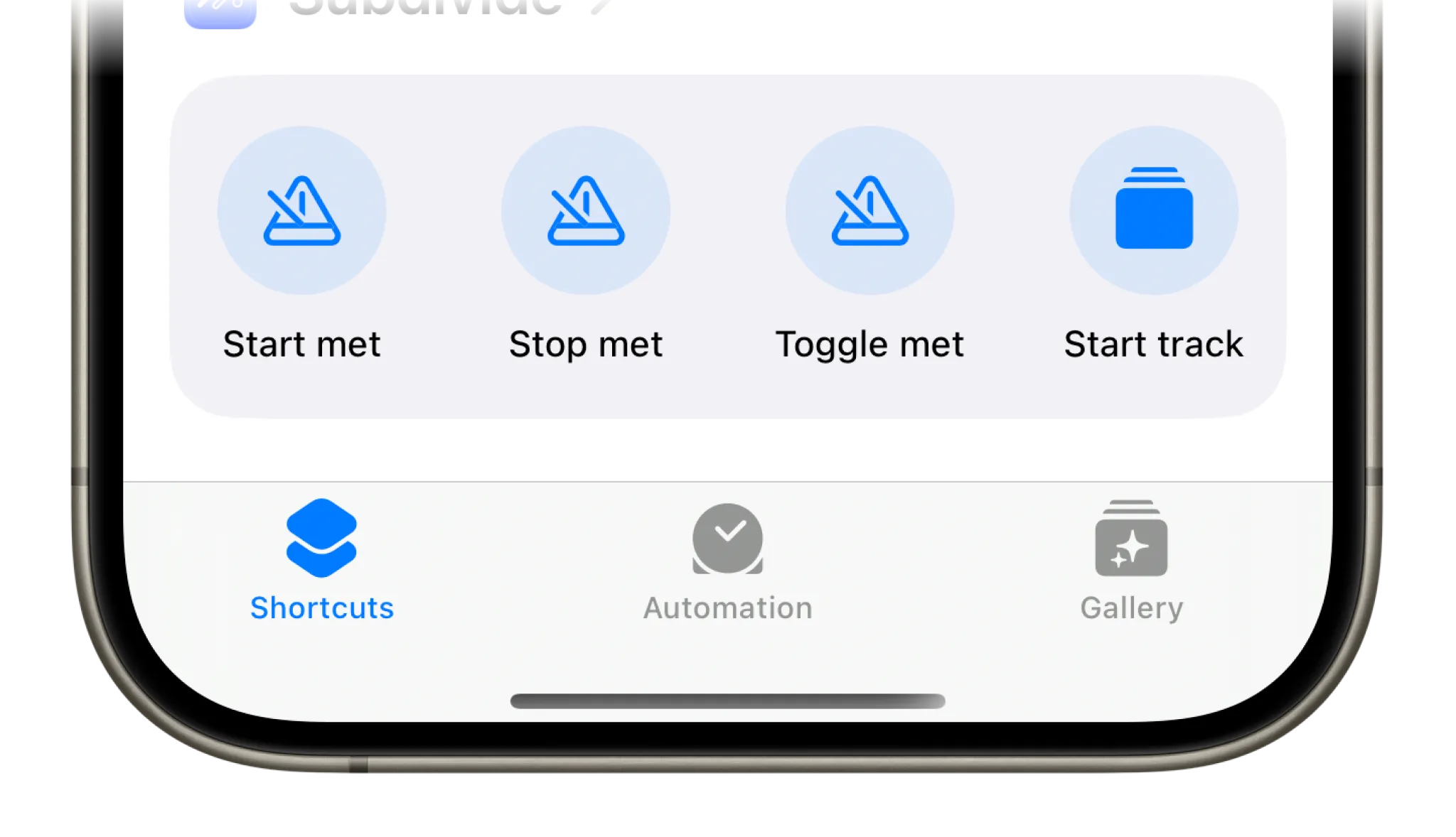
We’re giving you even more control with Apple Shortcuts. Now, you can:
- Start, stop, or toggle the metronome.
- Start or stop tracks.
You can use these shortcuts within the Shortcuts app or trigger them with Siri for hands-free operation. Got an iPhone with an Action Button? Assign these commands for instant, tactile control during your practice.
A deeper integration with your iPhone
These updates deepen Subdivide’s integration with your iPhone. Live Activities ensure your progress is always visible, so you can stay focused. Shortcuts let you control Subdivide with minimal effort, making practice smoother and more intuitive.
With the latest version of Subdivide, we’re helping you stay efficient, stay in control, and most importantly—stay on beat.