Marching arts
The metronome built for the marching arts
Program the whole show once—every tempo change, time signature, and transition—and the track plays it from the top without stopping to adjust settings. Start from any section, set a stop point, loop the passage you're cleaning, add a count off, or slow the whole track down for a rep and bring it back up to speed.
Subdivide is a metronome and click track app for iPhone and iPad, built for marching band, drum corps, and indoor programs—from the first block of band camp to the final performance.

The metronome is free on iPhone and iPad. Building tracks, Drill Mode, and Audio Cues are part of Subdivide Pro; anyone can receive a shared click track for free.
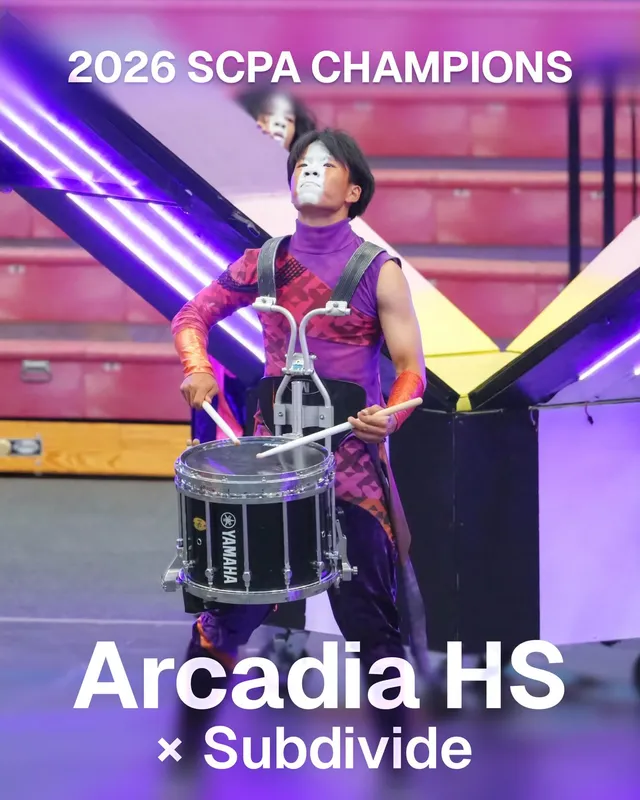
Subdivide is easy to use, powerful, and incredibly versatile. It helped our students at Arcadia get better, faster. I can’t recommend it enough!
EZ Lancer
Program Coordinator, Arcadia HS
Subdivide sponsored Arcadia HS Percussion's 2026 indoor season. They were Southern California Percussion Alliance (SCPA) Percussion Scholastic World champions.
"I’m marching drum corps this summer and our book has quite a few accels and deccels, this makes it possible to practice those with a met and play entire movements at once! Very quick process to program. I’d give 10 stars if I could."
drummer42

App Store review
Drill Mode
Rehearse by drill, not just music
Marching ensembles don't rehearse in measures. They rehearse in sets, pages, and counts. Drill Mode lets you lay drill pages over any click track, each with its own count length and label, so you can set your start and stop pages and loop whatever chunk you need.
Your base track stays locked—tempo changes, time signatures, accents, and subdivisions remain unchanged. Switch back to music mode whenever you're cleaning a phrase instead of a set.
How Drill Mode works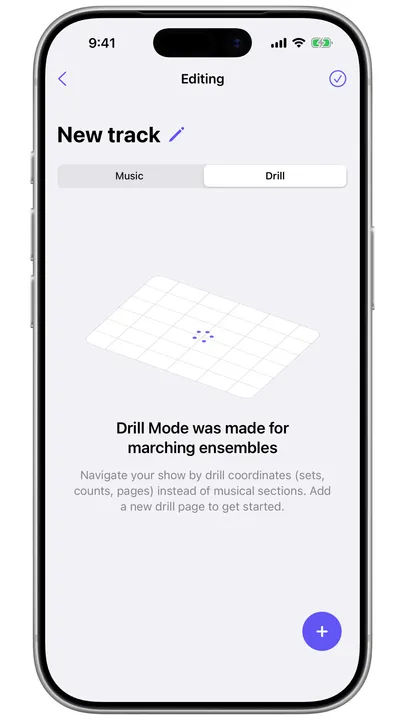
Sharing
Share the track with the whole ensemble
Build the show's click track once and share it by QR code or link. Every member gets the track you built, so sectionals and practice at home run on the same track as full ensemble.
Anyone can receive a shared track and play it for free, and a link opened on Android or a laptop plays in the browser—no app needed.
Audio Cues
Run color guard and visual off the show recording
Load the show recording and drop a cue wherever you'd normally start or stop: the set change, the hit, the pickup into the closer. Color guard and visual rehearsals jump to the spot, count off into it in tempo, and loop it if needed. Nobody scrubs through an MP3 to start each rep.
Slow the recording down to quarter speed or anywhere in between while the work is new, then bring it back up to show tempo. Share the file with the cues already marked, and the rest of the staff works from the same points. For winter guard, where the whole show runs to the recording, the cue list is the rehearsal plan.
More about Audio Cues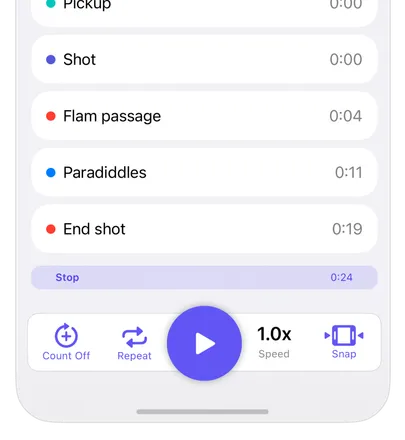
Details
Also on the field
-
Hold to cut
Hold the stop button and the met plays a long cut tone for clean cutoffs when you need to reset.
-
Up to 400 BPM
Fast enough for any show, with tap-for-tempo and one-BPM nudges to dial it in.
-
Hands-free start and stop
Bluetooth page turners and foot pedals start and stop the met, so band directors in the box or drum majors on the podium don't have to touch the phone.
-
Keeps going with the screen off
The met keeps running in the background, with the tempo on your Lock Screen or Dynamic Island.
Got the show as printed parts? Subdivide can build the click track from a scan of the sheet music.
From the first block to the final performance
The metronome is free on iPhone and iPad. Building tracks, Drill Mode, and Audio Cues are part of Subdivide Pro; anyone can receive a shared click track for free. Try Pro free for a week, then $4.99/month or $29.99/year, cancel anytime—or buy it once for $44.99.